Read time :
Activating CRM Data: How to use Revenue and Sales Data to Optimize Ad Spend
Let us reassure you. You're not the only marketer who has analyzed a HubSpot or Salesforce dashboard, knowing it has the audience data to optimize the ROI of your ad campaigns, but had absolutely no way to activate that data in Google Ads or other platforms.
Every marketer has been there.

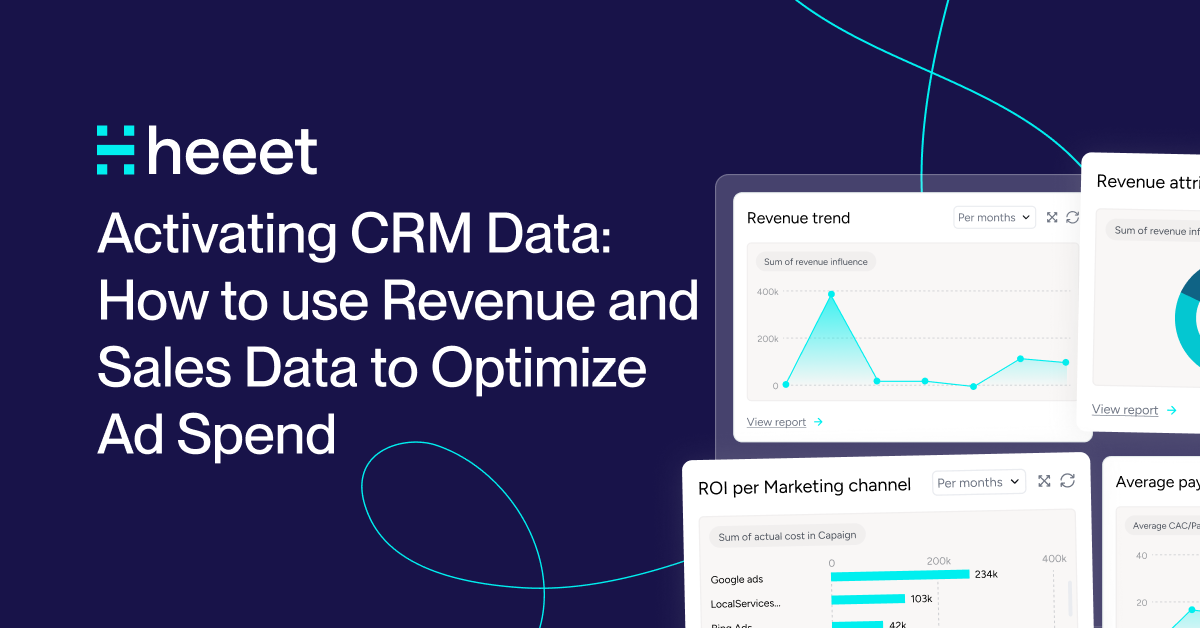

Your most valuable leads that led to a sale live in your CRM. Your ad spend decisions take place in Google Ads. Yet you don't have a way to activate your high-value CRM data in your ads.
You run campaigns, drive conversions, and rejoice at rising MQL numbers. The real question is: are you funneling data back into your ad platforms that helps them target leads who will buy? We all love the dopamine rush of an uptick of MQLs, but if they don’t close, it means you’re sending ads to the wrong audience.
Here's the painful reality: your CRM holds the richest first-party audience data from revenue-generating clients that went through the sales process, yet most teams lack the capability or know-how to put it to work outside their own environment.
Let's fix that.
What You've Probably Tried (And Why It Hasn't Worked)
Before we go over the solution, let's cover what you've already tried to leverage audience data more broadly in your ads strategy.
Manual CSV exports and matching. You've probably exported a lead list from your CRM, downloaded campaign data from Google Ads, and spent a couple of hours in Excel trying to match records. By the time you're done struggling with Excel, the data is outdated, and you're exhausted. This isn't a solution you can scale. No one in your marketing ops team signed up to clean data.
Basic UTM tracking. Yes, UTMs tell you about clicks, but they don't tell you about revenue. The moment someone switches from their phone to their laptop to continue their search, your tracking breaks. For B2B sales cycles that span months and involve multiple touch-points, UTM tracking is necessary for tracking certain links, but in some cases it feels like navigating a city with printed directions instead of Google Maps.
Zapier or middleware solutions. Don't get left dealing with sync delays, field mapping nightmares, and the eventual "data sync failed" messages at 3 am. These tools weren't built for complex B2B attribution at scale. They're costly Band-Aids that require constant attention.
Built-in integrations that promise everything. The marketing automation platform that swears it connects to everything? Great in theory. Terrible when you're trying to track multi-touch attribution across a six-month sales cycle with multiple stakeholders. These integrations handle simple lead data fine. Revenue attribution? Not so much.
You've tried the workarounds. They're exhausting, incomplete, and always one step behind. There's a better way.
Why Connecting CRM to Marketing Platforms Changes Everything
McKinsey research shows that companies personalizing customer interactions with first-party data see revenue increases of 5 to 15 percent. They also reduce marketing costs by 10-20%. Those aren't vanity metrics. That's real money feeding your budget.
Your CRM data represents the highest-quality first-party data you own. More importantly, it can tell you which audience is more likely to lead to a sale.
When you feed that data into your advertising platforms, something remarkable happens. You stop optimizing for clicks and start optimizing for revenue.
Studies consistently demonstrate that CRM-based lookalike audiences convert at two to three times the rate of standard broad targeting. Why? Because you're showing advertising algorithms what good looks like using real data from paying customers, not demographic intuition.
What does this look like on a day-to-day basis?
Accurate ROI measurement becomes possible. Google Analytics 4 struggles to attribute revenue correctly for long B2B sales cycles.
Someone converts on your site today. The deal closes three months later. GA4 has no idea those events are connected. When you send Closed Won revenue data from Salesforce back to GA4 and Google Ads, you bridge that gap.
Suddenly, you're measuring true Return on Ad Spend, not just cost per lead.
Precision targeting replaces spray-and-pray. Instead of guessing which leads are high-value, you use CRM data like Lead Score, Stage, or Industry to ensure ad spend flows only to prospects who resemble your best customers. Your budget works harder because it's smarter.
Wastage drops immediately. You can automatically exclude unqualified prospects or existing customers from expensive campaigns. Stop wasting budget retargeting people who already bought from you. No more showing ads to students who will never convert.
The gap between your CRM and your marketing platforms is costing you money every single day. It’s time to close it. Marketing intelligence platforms such as Heeet, bridge this gap with connectors that bring revenue nuance of first-party data to your paid platforms.
Four High-Impact Use Cases Worth Implementing
Connecting Salesforce to your marketing stack unlocks specific, tangible benefits. Here are the four that matter most.
1. Account-Based Marketing That Surrounds Your Targets
Your RevOps team spends significant resources identifying high-value accounts using tools like ZoomInfo or Apollo. They add qualified accounts and contacts to specific outreach sequences for your SDRs. But while your sales team is emailing and calling these prospects, your marketing ads are targeting random people who visited your blog once.
That's a missed opportunity.
When you activate your ABM account lists from Salesforce and HubSpot, you can automatically push specific contacts into custom audiences in Google Ads. While your SDR sends that personalized email on Tuesday, your ad appears in that prospect's LinkedIn feed on Wednesday. You surround the target account with your brand. Your sales and marketing teams finally work in concert rather than in parallel.
The result? Higher engagement rates because prospects see consistent messaging across every channel. You're not just reaching out. You're creating presence.
2. Unqualified Lead Exclusion That Stops Budget Bleeding
Not every lead deserves your ad budget. Students researching for school projects. Competitors are checking out your positioning. Leads that don't meet your minimum qualification criteria. Right now, you're probably retargeting all of them.
Here's where automation saves you money fast. The moment a lead is marked "Unqualified" in Salesforce, that contact is automatically added to an exclusion list in Google Ads Customer Match. Done. Your campaigns stop wasting impressions on people who will never buy.
One Heeet customer cut their retargeting spend by 30 percent in the first month just by implementing UQL exclusions. That money didn't vanish. It shifted to qualified prospects who convert.
3. MQL Lookalike Audiences That Scale Your Pipeline
Your Marketing Qualified Leads represent prospects who've shown genuine intent and meet your qualification criteria. They're the gold standard. So why are you building lookalike audiences based on everyone who visited your website?
Create a high-value audience using only your Salesforce MQLs. Then generate Lookalike Audiences in Google Ads. The platform's machine learning identifies millions of users who share demographic, behavioral, and interest characteristics with your best leads. You're cloning your ideal prospect profile.
This isn't theory. Companies using CRM-based lookalikes consistently report two to three times higher conversion rates compared to standard targeting. You're teaching the algorithm what qualified looks like using real qualification data, not clickstream behavior.
4. Closed Won Revenue Tracking: The Ultimate Optimization Signal
This is the most critical integration you'll implement. Everything else is preamble. This is the main event. Without tracking and measuring revenue across ad channels your spending without getting the proof of ROI. Don't let that happen.
Your ultimate goal isn't generating more MQLs. It's finding viable leads via top of funnel channels who become paying customers that increase your ROI. When you send Closed Won deal data, including the actual revenue amount, back to GA4 and Google Ads, you flip a switch in how those platforms optimize.
Google Ads stops optimizing for cheap leads and starts optimizing for valuable customers. The algorithm can now see that your enterprise customers generate $50,000 in revenue while your SMB customers generate $5,000. It adjusts targeting accordingly. You spend more reaching people who look like enterprise buyers and less on everyone else.
You can also create lookalike audiences based exclusively on paying customers. Not leads. Not MQLs. Customers who cut checks. That's the highest-quality seed audience you'll ever build.
Plus, there's a customer experience bonus. Automatically add newly signed customers to an exclusion list. They stop seeing "Sign Up Now" ads the moment they buy. Your brand looks more sophisticated, and you save money on impressions that have zero conversion potential.
Getting Started: Your First Three Integrations
Right. You're convinced this matters. Now what? Here's your tactical roadmap.
Start with the Closed Won revenue data. This gives you immediate ROI visibility and is the most valuable integration you'll implement. You'll need specific fields from your CRM, including Opportunity/Deal Stage, Close Date, and Amount. Set up the data flow to trigger whenever an opportunity moves to Closed Won status. Observe your first 30 days. Check that revenue values are flowing correctly and that GA4 is receiving the conversion events.
Then layer in MQL audiences. Once revenue tracking runs smoothly, build your first MQL-based Custom Audience. Export your qualified leads from Salesforce using email addresses. Upload to Google Ads Customer Match. Test a retargeting campaign exclusively to this audience. Compare performance against your standard retargeting. You'll see the difference fast.
Finally, add exclusion lists. Start with your easiest wins. Create audiences for Unqualified Leads, Closed Lost opportunities, and Closed Won customers. Add these to your campaigns as exclusions. Monitor your cost per acquisition. It should drop within the first billing cycle.
One integration at a time. Don't try to boil the ocean on day one.
Common Pitfalls That Trip Everyone Up
Let's go over what goes wrong so you can avoid it.
Data quality issues will make or break your operation. If your lead sources are inconsistent in your CRM, you won’t be targeting the right audience. Clean your data first. Standardize field values. Make sure the Lead Source field is actually used and abided by. Otherwise, you're building without a foundation.
Privacy and consent matter. Just because you have someone's email doesn't mean you can upload it to Customer Match. Review your consent policies. Check regional privacy regulations. GDPR and similar laws are not suggestions. Get this wrong, and you're not just wasting budget. You're risking fines.
Update frequency makes a difference. Daily ad platform syncs might seem excessive until you realize you're targeting someone who closed last week. Or worse, someone who marked themselves unqualified two days ago is still seeing your ads. Set sync frequency based on your sales cycle, not arbitrary schedules.
Field mapping mistakes compound quickly. One wrong field and your entire revenue attribution is off. Double-check your mappings. Test with a small data set first. Verify that what Salesforce or HubSpot sends is what Google Ads receives.
Your Next 30 Days
You've got the roadmap. Here's how to execute.
Week one: audit your Salesforce data quality. Check that Lead Source, Lead Status, Opportunity Stage, and Amount fields are clean and consistent. Fix what's broken before you start syncing anything.
Week two: Set up your first Closed Won revenue sync. Start small. Test with closed deals from the last month. Verify the data flows correctly. Check GA4 for the conversion events.
Week three: build your MQL audience and launch a test retargeting campaign. Compare performance against your existing campaigns. Track cost per conversion and conversion rate.
Week four: measure impact and iterate. Look at the numbers. What's working? What needs adjustment? Refine your audiences based on performance data.
Stop flying blind with your ad spend. Your Salesforce data has been sitting there waiting to do the heavy lifting. The gap between your best customer data and your media optimization has cost you enough.
Connect them with the right integration. Watch what happens when your advertising platforms understands what a paying client looks like.
Other articles
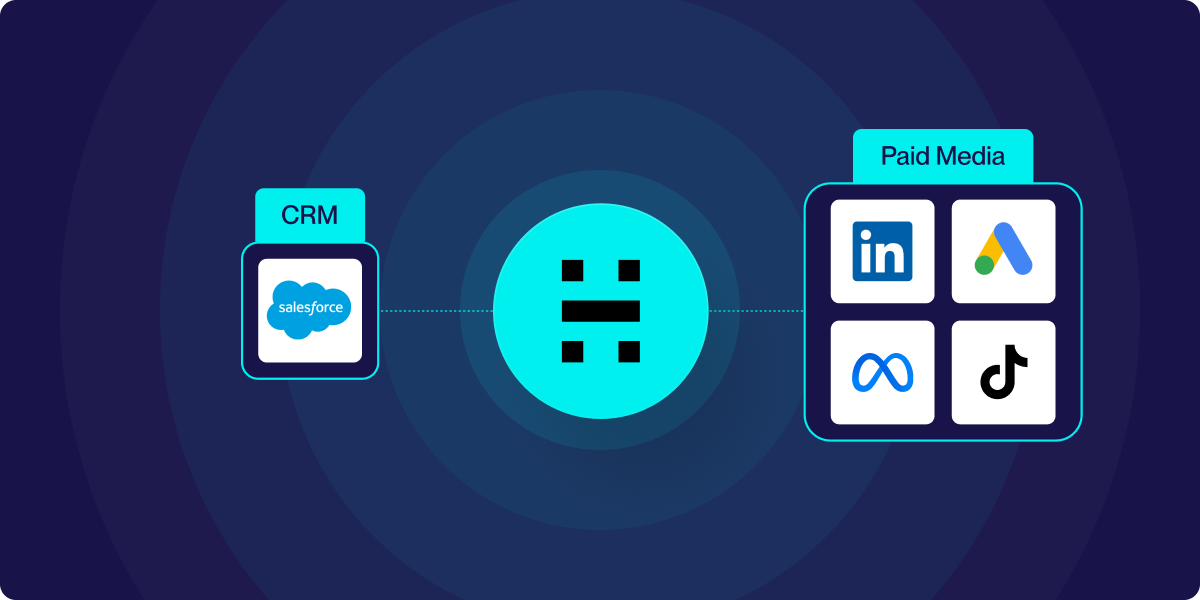
Audience Activation for Salesforce: Sync CRM Data to Ad Platforms Instantly
top wasting ad spend on existing customers and unqualified leads. Heeet's Audience Activation syncs your Salesforce data to Google, Facebook & LinkedIn and more in real time.
How to Connect Salesforce and Google Ads
Connecting Salesforce and Google Ads is a powerful way to integrate your customer relationship management (CRM) data with your ad campaigns,
Pardot Google Ads Connector : Know the limits
Go beyond Pardot’s native Google Ads connector. Heeet enables multi-touch and revenue attribution in Salesforce for complete Google Ads ROI tracking
.svg)
Ready to track prospects from lead to close with Heeet?
Heeet gives marketers and sales professionals at IT & Security firms turn geuss work intro informed decisions that drive revenue while meeting the same secruity technical standards you provide your clients.