

Read time :
How to Create An Advanced Self Reported Attribution in Salesforce
Prospect listened to a podast, saw your booth at an event, read a review of your software on a comparison website, there are multiple exemples where you might want to capture the "How did you hear from us" data in Salesforce.


Prospect listened to a podast, saw your booth at an event, read a review of your software on a comparison website, there are multiple exemples where you might want to capture the "How did you hear from us" data in Salesforce.
It's a great start to start gathering data to understand "dark activities", but it's still missing granularity.
In order to capture more data, you can simply add a screen flow on your lead record in Salesforce.
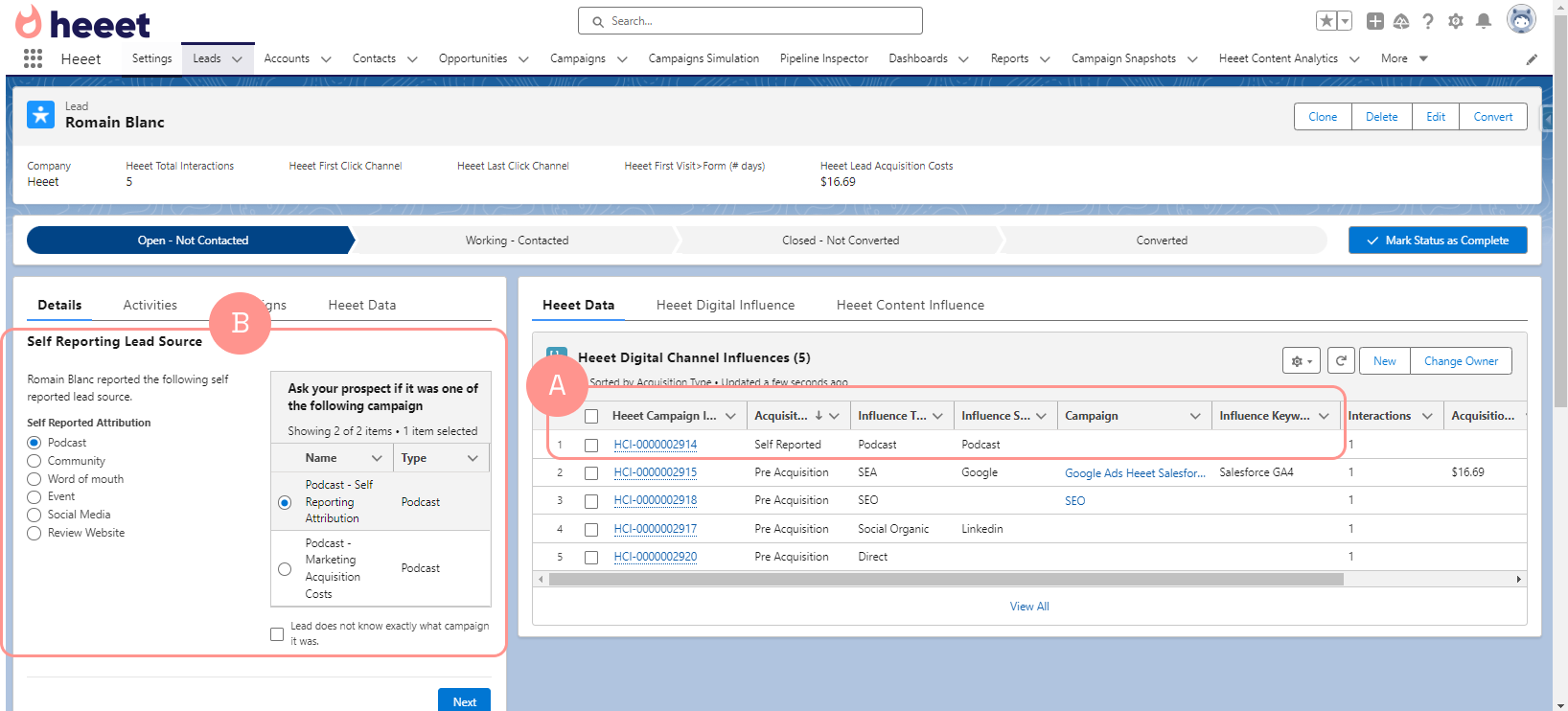
Self reported attribution influence is automatically capture by Heeet for each form filled (A)
Depending on "self reported attribution" (podcast, review site,...), a datatable will display potential corresponding campaigns (B) and allow your sales represenative to select the corresponding campaign.
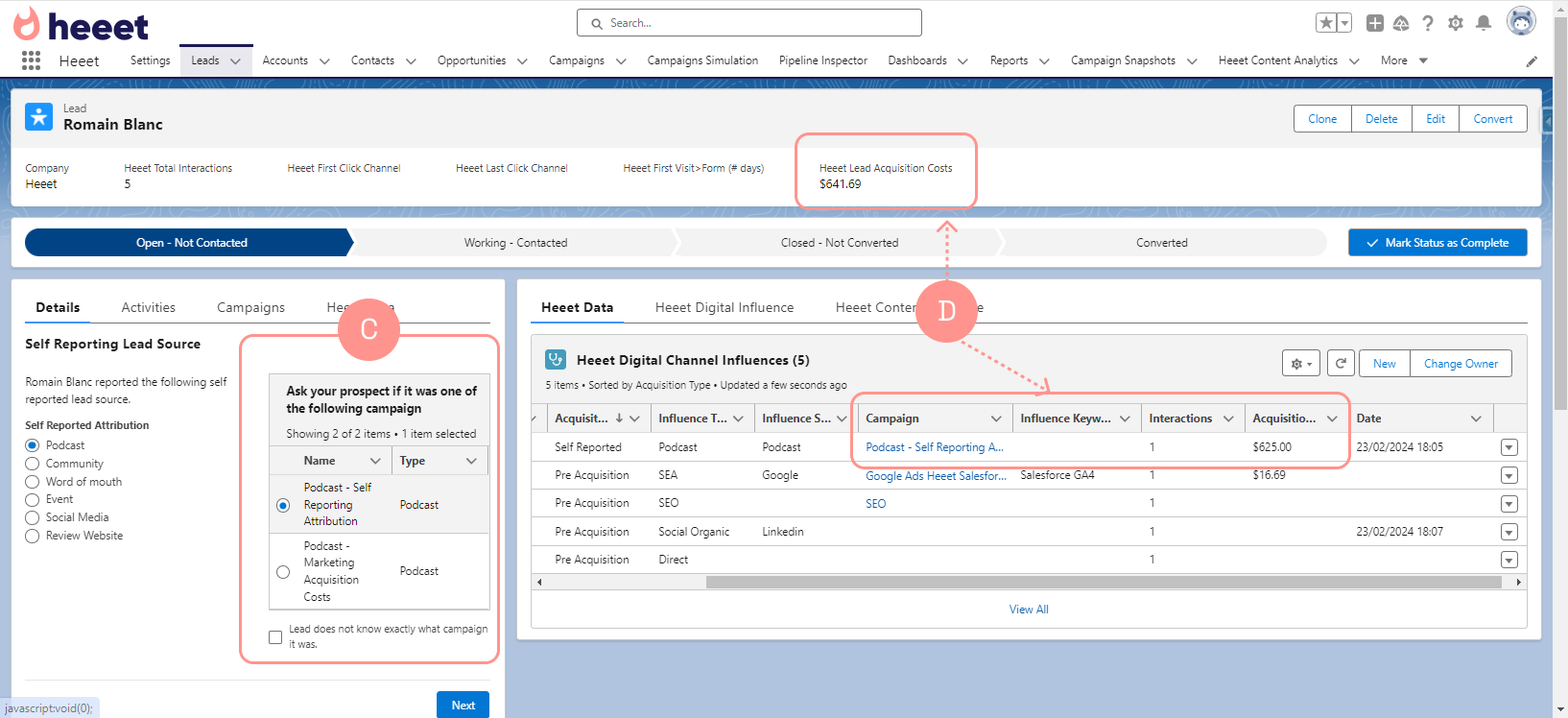
When your sales representative select a campaign (C), the existing self reported influence is automatically associated with the relevant campaign and lead acquisition costs are updated (D)
Other articles
How To Manage Self Reported Attribution in Salesforce
Track dark social in Salesforce with Heeet’s Self Reported Attribution. Measure word of mouth, communities, and untracked channels driving revenue
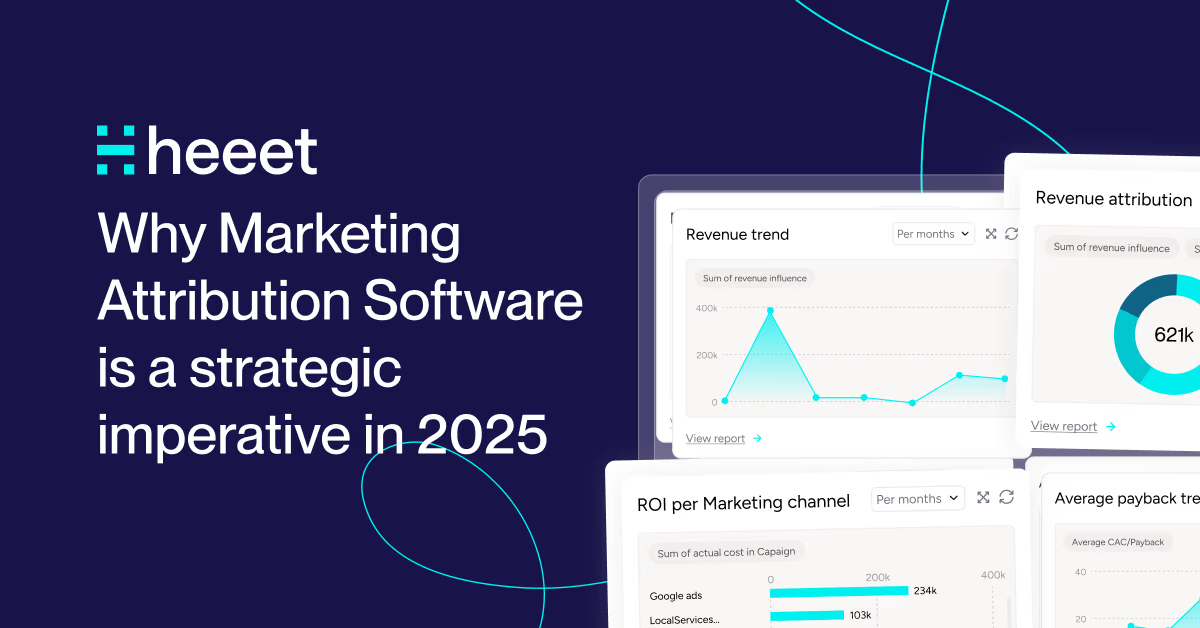
Why Marketing Attribution Software is a strategic imperative in 2025
Discover why first/last click models fail in 2025. Learn how modern marketing attribution software connects revenue to every customer touchpoint.
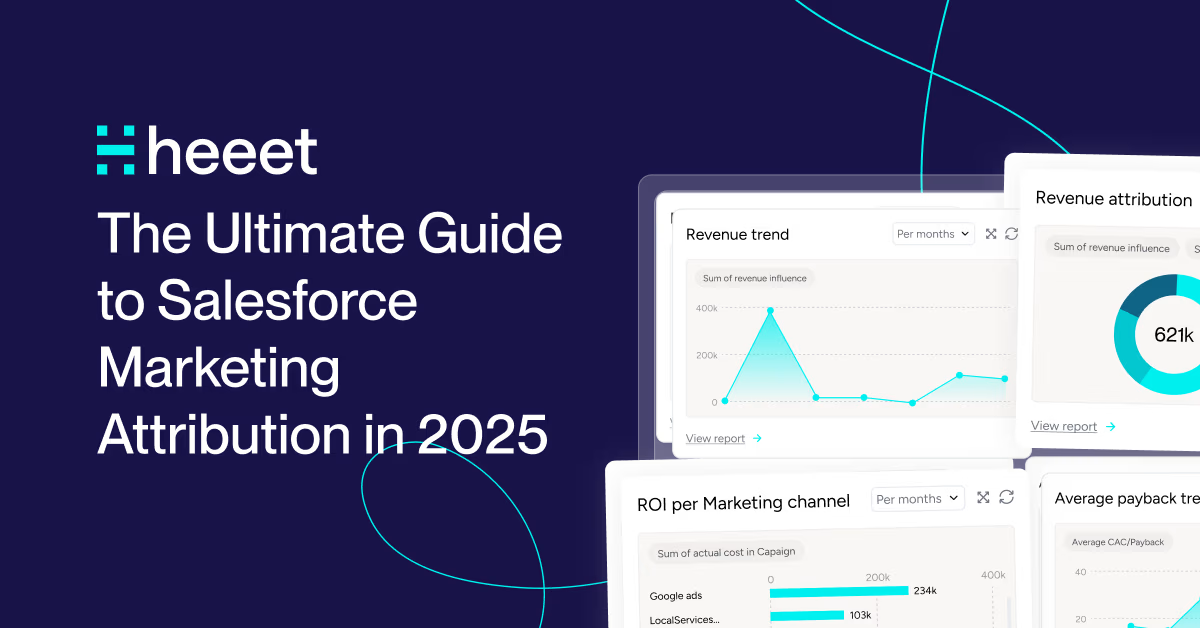
The Ultimate Guide to Salesforce Marketing Attribution in 2025
If you're a marketer using Salesforce, you know how challenging it can be to connect your campaigns to actual revenue
.svg)
Ready to track prospects from lead to close with Heeet?
Heeet gives marketers and sales professionals at IT & Security firms turn geuss work intro informed decisions that drive revenue while meeting the same secruity technical standards you provide your clients.