Read time :
How to Choose the Right Offline Conversion Solution for Your Business
You’re in the market for an offline conversion solution that creates a revenue-driving feedback loop between your CRM and paid media platforms. We’re here to explain which features to look out for, how offline conversions optimize for revenue rather than clicks and how to pick the right solution for your business.

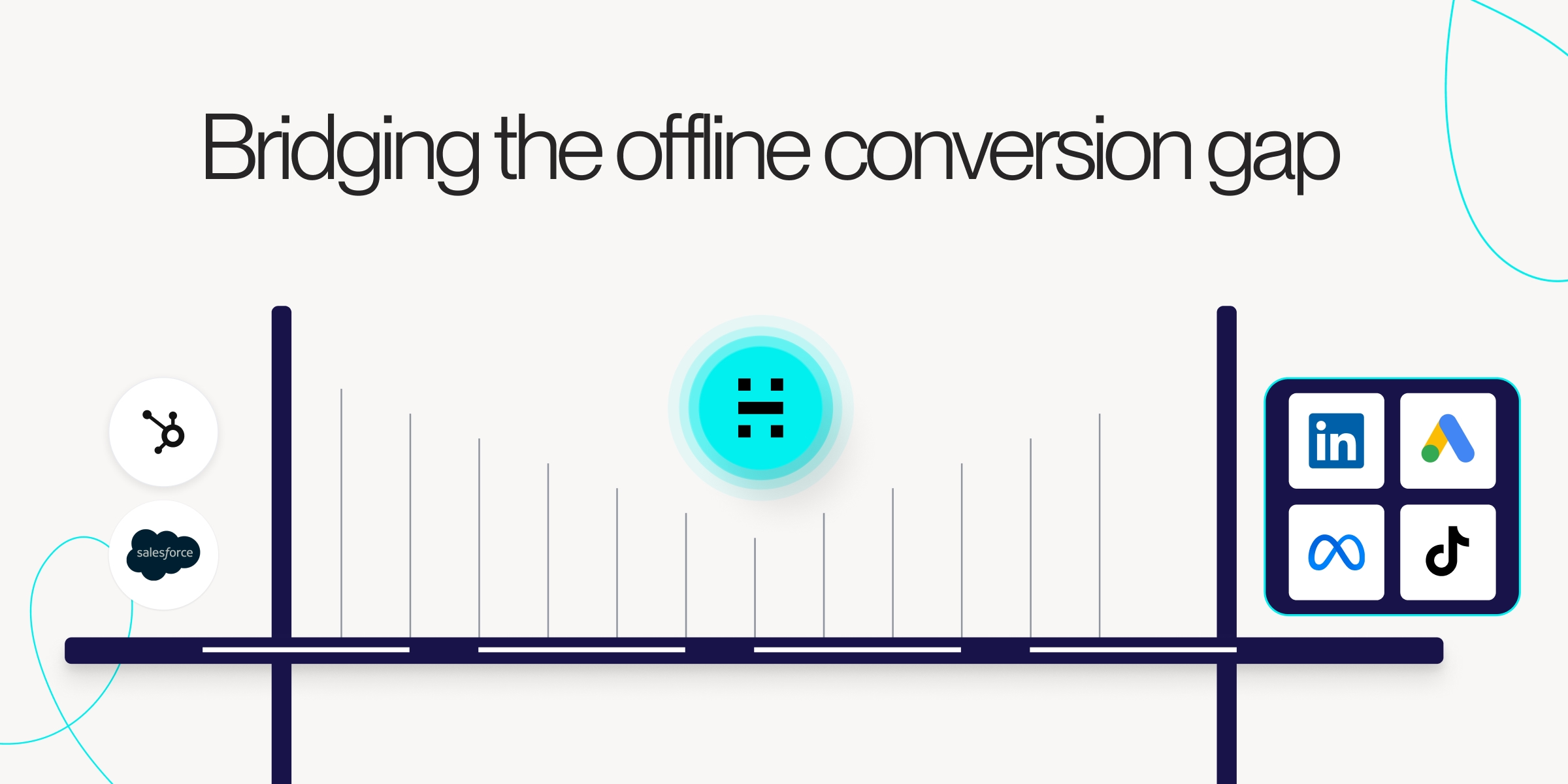

What Are Offline Conversions
Offline conversion solutions connect your digital ad data with real-world actions. These actions include in-store sales, phone calls, or closed deals. The way it works is simple. You import data from your CRM, POS system, or call tracking software into ad platforms like Google Ads or Meta. You can then measure true ROI, build better audiences, and optimize campaigns based on what actually drives revenue.
A prospect clicks your LinkedIn ad, visits your site, and then calls to sign a contract. Without offline tracking, that ad gets zero credit. Your marketing reports show only a click, missing the sale.
The most common offline conversions fall into a few categories:
- Phone calls: Someone clicks an ad and later calls to make a purchase
- In-store visits: A customer researches online but buys at a physical location
- Signed contracts: B2B deals that close after an initial digital touchpoint, like a whitepaper download
- Demo bookings: Leads who become customers after attending a sales demonstration
Why Your Business Needs Offline Conversion Solutions
Marketing teams often can’t prove ROI when sales happen offline because the necessary revenue data in their CRMs isn’t linked to touches from ad campaigns and other channels. Leads get generated, passed on to sales who eventually closes months later, but the link to marketing's initial impact or continued influence after the sales handoff isn't made.
We've worked with teams trying to bridge the gap by exporting thousands of lines of prospect and conversion data every month. Their trying to manually resolve discrepancies and filter incomplete attribution data for reports leadership wants, with conclusions they can’t trust. It's nearly impossible to make the link at scale without the right tools. Hence the need for a dedicated solution.
But when you connect ad clicks to closed deals, you start crediting the right ad campaigns and channels along the journey. You see exactly which campaigns led to which sales. Once you know what’s working, you can shift budget to high performers and cut what isn’t delivering.
Here’s where it gets interesting. You can send offline conversion data back to ad platforms. Google and Meta’s algorithms learn from buyers, not just from form fills. The platforms start finding more prospects similar to real customers. Our client, Ringover, saw this play out: by sending real revenue data to Google Ads through automated sync, they achieved a 14% improvement in ROAS through revenue-based bid optimization.
Why Tracking Offline Conversions Is Challenging
Sales data lives in your CRM. Marketing data sits in ad platforms. The two systems don’t talk to each other out of the box, and teams often end up doing manual spreadsheet work to bridge the gap. That’s the fundamental barrier most teams face.
Manual work means exporting, reformatting, and uploading sales data separately for each platform. Google, Meta, and LinkedIn all want the data in different ways. This process eats up time and causes errors. Piecing together data from siloed platforms and manually matching conversions isn’t scalable.
Privacy rules like GDPR and CCPA require privacy-minded solutions. With third-party cookies under scrutiny despite Google’s latest change of heart, matching users only gets harder. Creating the right balance has never been simple and has always been a sensitive task. This is exactly why the most forward-thinking solutions are built from the ground up without cookies, rather than retrofitting cookie-dependent systems.
Features to Look for in Offline Conversion Solutions
Native CRM integrations provide the best solution for privacy-focused teams. Direct connections to Salesforce, HubSpot, and main ad platforms remove manual work. Data then flows automatically between systems. No one has to touch a spreadsheet. No data is shared with third parties.
But not all integrations are equal. The critical distinction is between solutions that extract data into external dashboards versus those that operate natively within your CRM. When attribution lives in a separate platform, marketing logs in, while sales mostly ignore it. When it lives where your revenue team already works, it becomes actionable intelligence.
As one prospect evaluating solutions noted during a recent demo: “That’s where a lot of our team lives and reports, so we use that as our source of truth, so we want to see what we can do right in Salesforce.” This is the most common requirement we hear.
Privacy-compliant tracking is another feature you should look out for. Most solutions claim privacy compliance but still rely ****on third-party cookies, unique identifiers, or fingerprinting that stores prospect data externally.
The gold standard for data security in offline conversion tracking is a solution that:
- Operates completely cookieless, with no fingerprinting and no unique ID storage
- Sends data directly to your own CRM, not to external servers. Built-in consent enforcement
- Automatic hashing without manual data work
- Controlled field mapping
- Provides audit-ready logs
- CRM-native (no shadow data copies)
- Never access your CRM data from the vendor’s side.
- Has passed official security reviews from the CRM platform itself (e.g., Salesforce AppExchange security review)
With this approach, your conversion data never leaves your environment. That means no third-party data sharing. No outside databases hold your prospect information. You get maximum data security by design, not as an afterthought.
A few other capabilities worth evaluating:
- Automated data sync: Removes manual CSV uploads entirely
- Cross-platform coverage: Supports Google, Meta, LinkedIn, TikTok, and Microsoft
- Comprehensive reporting: Clear dashboards showing revenue by channel and campaign
- Setup simplicity: The best solutions can connect your paid platforms in a few clicks, not weeks of developer work
How Online to Offline Tracking Works
When someone clicks your ad, a unique identifier is assigned to them. Google uses GCLID; Meta uses FBCLID. These tags track users.
Next, if that visitor submits a form on your site, the identifier gets captured with their contact details. Hidden form fields or tracking scripts pass this data to your CRM. Now, you have a lead record with a click ID.
When a deal closes in your CRM, the offline conversion solution matches the sale to the first click. The stored identifier and timestamp make the link. You now know which ad led to revenue.
Conversion data is returned to ad platforms via manual upload or API. Platforms apply this data to optimize and find similar prospects.
The CRM-native approach goes further. Rather than just tracking a single click-to-close path, a CRM-native solution captures every marketing touchpoint, every content page visited, and every sales activity in between, all automatically and all within the CRM your team already uses. When a deal closes, revenue is automatically attributed to every channel and campaign that influenced it, based on the attribution models you define.
Setting Up Offline Conversion Tracking in Google Ads
Start by enabling auto-tagging in your Google Ads account. This setting automatically appends the GCLID to URLs when someone clicks your ad. You’ll find it under Account Settings.
Implement these steps now to unlock the full power of offline conversion tracking and ensure your paid efforts generate measurable revenue. The right setup can put you in control—take action today to connect paid clicks to real sales.
In Google Ads, navigate to Tools > Settings > Conversions. Create a new conversion action, select “Import” as the source, and choose “Conversions from clicks”. Name your conversion and configure value settings based on how you want to track revenue.
Your data format matters. Required fields include GCLID, Conversion Time, and Conversion Name. Google provides templates to ensure compatibility. Getting the format wrong means your uploads will fail.
Tip: Set up scheduled imports from Google Sheets to avoid manual uploads. Or better yet, use a solution with direct API connections that syncs your paid platform data in just a few clicks, with hourly updates, so your campaign performance is always current in your CRM without any spreadsheet gymnastics. As demonstrated in Heeet’s setup process, connecting Google Ads, LinkedIn Ads, or Facebook Ads to Salesforce takes just three clicks through the settings panel, and campaign data updates automatically every hour.
Offline Conversion Tracking for Other Ad Platforms
Meta’s Conversions API sends offline events to Facebook and Instagram from your server. This improves match rates and works without cookies, complementing the Pixel.
TikTok’s Events API serves the same purpose for that platform. As TikTok grows in importance for B2C advertisers, tracking its offline impact becomes more valuable. The setup mirrors Meta’s approach.
LinkedIn’s offline import is vital for B2B. Long sales cycles need data to show which campaigns drive deals months after the first click. One Heeet customer, for example, looks 5,000 days into the past to associate marketing activities with opportunities, because in enterprise B2B, the influence window can stretch far beyond what most tools allow.
Don’t overlook Microsoft Advertising either. Its offline conversion import ensures complete coverage of your paid search efforts across both Google and Bing.
The most effective approach is to consolidate all these platforms into a single hub. Rather than managing separate upload processes for each ad platform, a unified sync automatically retrieves performance data from Meta, Google, LinkedIn, Bing, TikTok, and Reddit in a few clicks, without complex setup or API work, centralizing all campaign costs, leads, and revenue influence in one place.
Enhanced Conversions vs Traditional Offline Conversions
These two features often get confused because they sound similar. They serve different purposes.
Enhanced conversions use hashed data to improve online tracking accuracy. The conversion happens online but is tracked more precisely.
Traditional offline conversions are sales that occur outside digital channels, such as phone or in-person sales, or CRM deals, which are then imported into ad platforms.
For B2B companies with longer sales cycles, traditional offline conversions are almost always the priority.
Automating Your Offline Conversion Data Flow
Manual processes don’t scale. Exporting, formatting, and uploading CSV files wastes time and introduces errors. One wrong column header and your upload fails.
Modern solutions use native CRM connectors to create fully automated pipelines. Your ad platforms always have current, accurate conversion data. No spreadsheets required. No weekly upload rituals.
The difference in practice is dramatic. We’ve documented the time gains. Nel Hydrogen’s Sara Slater-Smith, who works with Heeet in Salesforce, described her old process: spending an entire day exporting data, filtering noise, analyzing conversion paths, and compiling reports. After implementing automated offline conversion tracking natively in Salesforce, “I’ve gotten days back.” She moved from monthly reporting cycles to quarterly strategic analysis, finally able to identify trends and think strategically rather than drowning in spreadsheets.
But the time savings weren’t even the biggest win.
Why CRM-Native Offline Conversion Tracking Delivers Maximum Data Security
When evaluating offline conversion solutions, data security deserves more than a checkbox. The architecture of your solution determines where your data lives, who can access it, and how exposed you are to third-party risk.
Most offline conversion tools work by extracting data from your CRM, processing it on external servers, and then pushing it to ad platforms. This means your prospect data, deal values, and conversion information pass through and are often stored on third-party infrastructure you don’t control.
A CRM-native solution takes the opposite approach. Heeet provides a cookieless tracking solution. We don’t store anything about your prospect. We don’t store ID. We don’t do fingerprinting. And we don’t store data on an external server. All the data is sent to your Salesforce. We do not have any access to your Salesforce data. So everything is available in one tool.”
This architecture delivers several security advantages that matter for enterprise buyers:
- No data leaves your environment: All attribution data is written directly to your Salesforce or HubSpot instance. There is no intermediate database, no shadow copy, no external storage.
- No third-party data sharing: Because the solution operates as a native CRM app, your conversion data is never transmitted to or processed by external servers. This eliminates an entire category of data breach risk.
- Official CRM security certification: Solutions like Heeet pass the Salesforce security review and are available on the AppExchange Marketplace, meaning they’ve been vetted against Salesforce’s own security standards.
- GDPR compliance simplified: When your data stays within your own CRM infrastructure, legal and compliance approvals become straightforward. As noted in a demo with Monks (the agency managing Twilio’s marketing): “From a data privacy perspective, it helps a lot in order to convince the IT and the legal teams.”
For companies operating in regulated industries or across Europe, this isn’t a nice-to-have. Nel Hydrogen, operating in the energy sector, specifically needed a “cookieless tracking infrastructure that satisfied GDPR requirements and traced the buyer journey” while keeping everything within their Salesforce environment.
Set up in Minutes, Not Months
One of the most common concerns about implementing offline conversion tracking is the technical complexity. Many solutions require weeks of developer time, custom API work, and ongoing maintenance.
CRM-native solutions have fundamentally changed this equation. Implementation typically works like this:
- Install the package: One-click from the Salesforce admin installs it in your org. Takes 10-15 minutes.
- Connect your paid platforms: A few clicks per platform to sync Google Ads, LinkedIn, Meta, and others. Hourly automatic updates begin immediately.
- Configure attribution settings: Define your attribution model directly in the CRM settings panel.
- Add the tracking script: Place the cookieless JavaScript on your website.
The full process from sandbox to production averages around three weeks, with the fastest implementation completed in 1.5 hours. The Salesforce package installation and settings configuration can be done in under 45 minutes.
Compare this to solutions that require custom API development, data warehouse configuration, and ongoing ETL maintenance. The total cost of ownership difference is significant.
Privacy Compliant Offline Tracking for a Cookieless Future
The most reliable solutions operate without third-party cookies. They leverage first-party data, server-side tracking, and hashed identifiers to make connections.
First-party data is collected directly through forms. Server-side tracking sends data from your server, and hashed identifiers anonymize personal info for matching.
This approach measures conversions accurately while respecting customer privacy. As browser restrictions continue to tighten, solutions built on first-party data will keep working, while cookie-dependent tools struggle.
The data support this shift. During a demo with Silverfort, Heeet shared that their AI/LLM traffic-tracking shows that GEO (generative engine optimization) visits convert 3x as well as standard SEO visits. As the buyer journey evolves to include AI-powered search and chat interfaces, cookieless tracking becomes even more critical to capturing the full picture.
How to Select the Right Offline Conversion Solution for Your Needs
Start with your current tech stack. What CRM do you use? Which ad platforms matter most? Your solution should integrate seamlessly with existing tools, or you’ll end up with another data silo.
If your organization uses both HubSpot and Salesforce (a common setup), ensure your solution works across both.
Define your attribution requirements next. Is last-click sufficient, or do you want multi-touch visibility? Single platform or cross-channel? The answers shape which solutions fit your situation. Solutions should support customizable models: linear, positional (U-shaped/W-shaped), time-decay, and custom logic aligned to your specific sales cycle.
Evaluate data security architecture critically. Ask these specific questions:
- Does the solution store any of our data on external servers?
- Does the vendor have access to our CRM data?
- Is the solution cookieless, or does it rely on third-party cookies?
- Does it use fingerprinting or store unique identifiers?
- Has it passed the CRM platform’s own security review?
Consider the total cost of ownership beyond the subscription price. Factor in implementation time, developer resources, and ongoing maintenance. A solution that installs with one click and connects paid platforms in minutes costs far less overall than a cheaper but complex alternative that demands constant developer attention.
Test before committing. A trial or proof-of-concept validates data correctness within your specific tech stack and data flows. What works in a demo might behave differently with your actual data.
Bring Your Offline Conversions and Marketing Intelligence Together
Offline conversion tracking closes the loop between marketing spend and business outcomes. When you connect online efforts to offline sales, you can prove ROI, optimize strategy, and drive efficient growth.
If you’re looking for a CRM-Native solution, book a demo to see how Heeet connects offline conversions to every marketing touchpoint, directly inside your Salesforce or HubSpot environment, with no third-party data sharing and setup in just a few clicks.
Other articles
Measuring SEO impact on offline revenue in Salesforce
Heeet connects SEO to Salesforce revenue with cookieless multi-touch tracking. See ROI, costs, and top-performing content driving your pipeline
Comment configurer le suivi des Conversions Offline avec Google Ads : le guide complet 2026 pour les marketeurs B2B
Connectez Google Ads à Salesforce grâce au suivi des conversions offline. Capturez les GCLID, synchronisez vos données CRM et attribuez le revenu réel à vos campagnes.
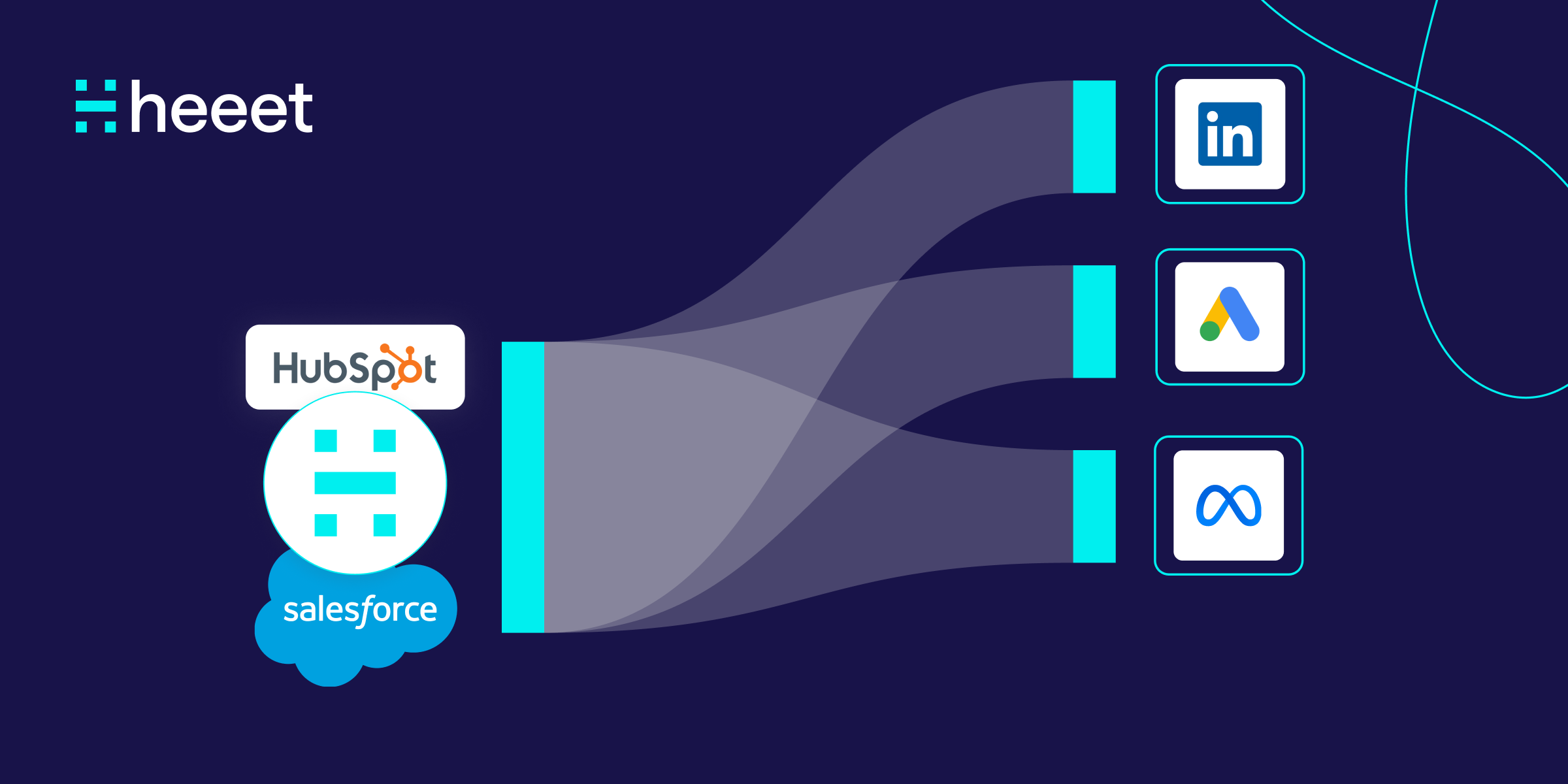
Revenue-Based Lookalike Audiences: Build Ads from CRM Data
Learn how to build higher-converting lookalike audiences using closed-won CRM revenue data instead of leads. A step-by-step guide for B2B GTM teams.
.svg)
Ready to track prospects from lead to close with Heeet?
Heeet gives marketers and sales professionals at IT & Security firms turn geuss work intro informed decisions that drive revenue while meeting the same secruity technical standards you provide your clients.