
Read time :
How CRM Native Attribution Works Inside Salesforce and HubSpot: Limits, Pricing, and What Fills the Gap
B2B teams aiming for CRM-native attribution often face the same roadblocks with Salesforce and HubSpot. While you want a single source of truth in your system of record, these tools don’t work as expected out of the box.


Teams often face this scenario: the Marketing Ops lead has run the Influenced Pipeline report three times this quarter. The numbers differ from sales reports and from what the CMO presented last week. This might be due to Salesforce Campaign Influence reports. They work technically but answer none of the revenue team’s questions. This shows the gap between what CRM-native attribution promises and what it delivers.
Both Salesforce and HubSpot offer attribution functionality with distinct capabilities and limitations. Understanding where these limits lie, the impact on your team, and knowing about integrations like Heeet is crucial for deciding whether your reporting stack is trustworthy or just something you work around.
What Does “Native Attribution” Mean Inside a CRM?
Two terms get used interchangeably, but they shouldn’t. CRM-native attribution means attribution data lives as objects and records inside your CRM. For example, in Salesforce, this refers to Campaign Influence records. In HubSpot, attribution reports use its own interaction data. The key distinction is that, in both cases, the data sits where your deals, contacts, and pipeline already live.
CRM-synced attribution is different because a third-party tool collects data externally, processes it, and pushes only the resulting outputs to your CRM via an API. The attribution logic, data model, and processing all remain outside your CRM; only the final results are sent in, not the underlying mechanisms.
Why is this distinction between native and synced attribution important? There are three key reasons.
Reporting trust matters. When attribution data lives natively in your CRM, it uses the same records your sales team works with daily. No more “the attribution tool says X but Salesforce says Y.” One system, one set of numbers.
Sales adoption is easier. Sales reps won’t log into a separate dashboard. If attribution data appears on the Opportunity record they already view, it gets used. If it’s in a standalone platform, it becomes just a marketing toy.
Data governance matters. Your CRM is the system of record. Security teams care about where customer data flows. Native attribution keeps everything inside the perimeter IT already manages.
Salesforce and HubSpot have different approaches to native attribution. Salesforce built it around Campaigns; HubSpot focused on interactions. Each approach comes with sharp strengths and frustrating limitations. Next, let’s explore how they work, where they break, and what they cost.
How Salesforce Campaign Influence Works
Salesforce Campaign Influence connects Campaigns to Opportunities through records. The logic goes like this: a Contact becomes a Campaign Member. That same Contact has a Contact Role on an Opportunity. Campaign Influence links these two records and says, "This Campaign influenced this Opportunity."
That chain matters: Campaign Member to Contact Role to Opportunity. Every link is important. If any link is missing, attribution quietly disappears.
Salesforce offers two versions of Campaign Influence.
Standard Campaign Influence is single-touch. It assigns 100% of the Opportunity’s value to one Campaign, usually the Primary Campaign Source. It’s simple, included in Professional Edition and above, and useful for basic campaign sourcing.
Customizable Campaign Influence is the multi-touch version. Available in Enterprise and Unlimited editions, it supports up to five custom attribution models. Out of the box, you get first-touch, last-touch, and even distribution. With Apex development, you can build custom models and weight touchpoints based on your business logic.
Reports from Campaign Influence are straightforward: influenced revenue by Campaign, influenced pipeline by Campaign, and Campaign ROI (if the Campaign cost field is filled in). For organizations with a small number of high-value Campaigns—like field events or product launches—this works. You see clearly which Campaigns touched which deals.
The data model is clean. Campaign Influence records are native Salesforce objects. They show up in standard reports, dashboards, and list views. They follow your sharing rules, profiles, and field-level security. For teams running marketing through Salesforce Campaigns with disciplined Campaign Members, this is functional attribution. Not perfect, but functional.
Where Salesforce Campaign Influence Breaks
The problem isn’t what Campaign Influence does. It’s what it quietly doesn’t do.
Contact Role dependency creates silent failures. No Contact Role on Opportunity means no attribution. The report won’t show an error—it simply shows nothing. Salesforce’s documentation calls Contact Roles “optional,” so most sales teams skip them. Consultants estimate Contact Role completion rates at 30-50% in most orgs. Half your attribution data may be missing, and you wouldn’t know.
Campaign Influence doesn’t track web sessions. It doesn’t know what pages someone visited, which ads they clicked, or what search queries brought them to your site. It tracks only Campaign Membership. If someone reads five blog posts, watches a demo video, and fills out a form, Campaign Influence sees one touchpoint: the Campaign tied to that form. The digital journey stays invisible.
Manual Campaign Membership. Organic search traffic, direct visits, and social media engagement; none of these automatically create Campaign Member records. Without automation rules or integrations pushing visitors into Campaigns, these channels don’t exist in your attribution data. The channels that often drive the most pipeline get zero credit.
No ad spend integration exists. Salesforce doesn’t pull ad spend from Google Ads, LinkedIn, Meta, or any other platform. You can’t calculate ROAS or CAC inside Campaign Influence, you need an outside tool or native integration. The "Campaign Cost" field is manual and is rarely updated.
Campaign Influence is limited to Opportunities. Leads don’t participate. If you want to know which Campaigns generate MQLs or SQLs before an Opportunity, use a different report. Attribution starts only after a deal is created.
Custom models require Apex development. For time-decay or position-based models, you need a Salesforce developer. Developer rates are $150-$250/hour. Custom attribution models are unrealistic for most marketing teams.
Salesforce Campaign Influence Pricing
On paper, Campaign Influence is free. Standard Campaign Influence is included with the Professional Edition ($80/user/month). Customizable Campaign Influence is included in Enterprise ($165/user/month) and Unlimited ($330/user/month). No add-on license. No extra SKU.
The real cost is operational.
Contact Role discipline requires sales training (good luck), automation rules, or a validation rule that blocks Opportunity creation when Contact Roles are missing.
Campaign Member automation typically requires Pardot (now Marketing Cloud Account Engagement), starting at $1,250/month. Without it, someone has to manually add Campaign Members or build Flow automations.
Developer time for custom attribution models costs $5,000-$15,000 per model. Ongoing maintenance adds 5-10 hours quarterly.
“Free” is the listed price. The operational cost of making Campaign Influence produce trustworthy data is $2,000-$5,000/month for most mid-market teams. And even then, you still don’t get web-session data or ad spend.
How HubSpot Attribution Reporting Works
HubSpot takes a different approach. Instead of Campaign Membership, HubSpot tracks interactions. Every page view, email, form submission, ad click, or social interaction with your HubSpot properties is recorded as an interaction.
This starts with the Original Source property. Each HubSpot contact gets an Original Source (Organic Search, Paid Social, Direct Traffic, etc.) and Original Source Drill-Down (specific search engine, ad campaign, or referring URL). This is automatic; no setup needed. It’s one of HubSpot’s strong defaults.
HubSpot’s attribution reporting builds on this interaction data with three report types.
Contact Create attribution answers: "Which interactions led to a new contact?" It looks at all touchpoints before contact creation and distributes credit across them. Available in Marketing Hub Professional.
Deal Create attribution answers: "Which interactions led to a deal being created?" It expands to include interactions from contact creation through deal creation. Enterprise only.
Revenue attribution answers: "Which interactions contributed to closed-won revenue?" This is the report most marketing teams want. It tracks the journey from first interaction to closed deal and distributes revenue credit across touchpoints. Enterprise only.
HubSpot offers eight attribution models: first interaction, last interaction, linear, U-shaped (40/20/40), W-shaped (30/30/30/10), J-shaped (heavy last-touch weighting), time decay, and full path. This is more model variety than any other native CRM attribution tool.
The interface is drag-and-drop. No code required. Select a model, choose dimensions (channel, campaign, content type), and the report will generate. For marketing teams without developer support, this is a major advantage.
Where HubSpot Attribution Reporting Breaks
HubSpot’s attribution is genuinely capable. But it has boundaries that most evaluation guides don’t mention.
Enterprise-only gate. The attribution features most teams need, specifically revenue attribution and multi-touch models, require Marketing Hub Enterprise at $3,600/month. Contact Create attribution is available in Professional ($890/month), but it only shows how contacts were created, not how revenue was generated. For many growing companies, $3,600/month for a single reporting capability is a hard sell to finance.
HubSpot-tracked interactions only. Attribution reports can only credit interactions that HubSpot tracked. Phone calls logged in a separate system? Invisible. Trade show conversations noted in a spreadsheet? Invisible. Third-party forms (Typeform, Gravity Forms, Unbounce) that aren’t integrated? Invisible. If your tech stack goes beyond HubSpot’s ecosystem, your attribution has blind spots.
No offline touchpoints without custom work. Direct mail, physical events, and in-person meetings do not automatically generate HubSpot interactions. You can import them via CSV or build custom integrations, but the process is manual and fragile. Most teams don’t maintain it.
No ad spend in attribution reports. HubSpot connects to Google Ads, Facebook Ads, and LinkedIn Ads. It tracks spending in the Ads tool. But that spend data doesn’t flow into attribution reports. You can see that Paid Search generated $500,000 in attributed revenue, but you can’t see that you spent $200,000 to get it. ROAS calculations happen in a spreadsheet.
Contact-centric, not account-centric. B2B deals involve buying committees. A $200,000 enterprise deal might have 8-12 contacts across different roles. HubSpot’s attribution tracks individual contact journeys, not account-level patterns. You see six separate contact journeys that don’t connect into one buying committee view.
Data lives in HubSpot. For companies running a dual-CRM setup (marketing in HubSpot, pipeline in Salesforce), this creates a structural problem. Your attribution data is in HubSpot. Your revenue data lives in Salesforce. The two systems sync, but attribution reports can’t span both. Your CMO sees one set of numbers. Your CRO sees another.
HubSpot Attribution Pricing
HubSpot’s attribution pricing is tier-gated. Here’s what each Marketing Hub tier includes:
But the Marketing Hub price isn’t the full picture. Revenue attribution requires deals. Deals require Sales Hub. Sales Hub Professional costs $100/user/month. Sales Hub Enterprise costs $150/user/month.
For a 10-person sales team that needs revenue attribution:
- Marketing Hub Enterprise: $3,600/month
- Sales Hub Professional (10 users): $1,000/month
- Total: $4,600/month minimum
If you need Sales Hub Enterprise features (custom objects, predictive lead scoring, conversation intelligence), that total jumps to $5,100/month.
Compare this to HubSpot Professional at $890/month, which includes Contact, Create, attribution, and Original Source tracking but no revenue attribution. Many teams start here, realize the gap, and face a $2,710/month upgrade to get the reports they need.
HubSpot also charges by marketing contact tier. At 50,000 marketing contacts, Enterprise jumps to $4,700/month. At 100,000 contacts, it’s $5,700/month. Attribution pricing scales with your database size, not just your team size.
Side-by-Side: Salesforce vs. HubSpot Native Attribution
The pattern is clear. Salesforce provides a native data model at a low licensing cost but with high operating overhead and no digital tracking. HubSpot offers rich interaction tracking and a variety of models, but locks valuable reports behind Enterprise pricing.
Neither offers ad spend inside attribution reports. Neither handles account-based attribution. Both require manual work for offline touchpoints. And if you run both CRMs (marketing in HubSpot, pipeline in Salesforce), you’re stuck with attribution data in a different system than your revenue data.
For teams with simple needs, native tools work. For teams running multi-channel programs across paid, organic, events, and direct sales motions, native capabilities hit a ceiling.
What Fills the Gap? Third-Party Attribution Tools for Salesforce and HubSpot
Third-party attribution tools fall into three categories, and the differences between them matter more than most comparison articles acknowledge.
Category 1: Standalone attribution platforms. Tools like Dreamdata, HockeyStack, CaliberMind, and Ruler Analytics collect data via their own tracking scripts, build attribution models in their own data layer, and present results in their own dashboards. They sync outputs to your CRM via API. The advantage: purpose-built attribution with sophisticated modelling. The tradeoff: your attribution data lives in a separate system. Sales reps won’t log in. Your CMO sees one dashboard. Your CRO sees another. You’re back to the “two sets of numbers” problem that drives revenue teams crazy.
These platforms generally cost $1,000-$5,000/month, depending on traffic volume and the number of CRM connections. Implementation takes 2-6 weeks.
Category 2: Data pipeline tools. Funnel.io and Supermetrics aggregate ad spend data from multiple platforms into a single view. They answer “how much did we spend where?” but don’t track visitors, don’t connect spend to individual deals, and don’t live inside your CRM. They solve ad-spend aggregation, not attribution. Useful as a complement, not a replacement.
Category 3: CRM-native attribution tools. This is where the gap between “synced to CRM” and “native in CRM” becomes most visible. A CRM-native tool writes attribution data directly into your CRM as native objects and fields. No external dashboard. No separate data layer. Attribution data sits on the Contact record, the Opportunity record, the Campaign record, right where your revenue team already works.
Heeet takes this approach. Its JavaScript SDK captures visitor interactions and writes them directly to Salesforce or HubSpot as native records. No cookies. No external data warehouse. Ad spend from Google, LinkedIn, and Meta syncs to the CRM hourly. Attribution appears alongside the deals and contacts your team already uses. Sales reps see it without logging into anything new. Finance trusts it because it uses the same objects as every other revenue report.
The category you choose depends on where your team spends its time. If your revenue team lives in Salesforce or HubSpot (and most do), attribution data that lives elsewhere is ignored.
How to Choose the Right Attribution Approach
Skip the feature matrix. Start with four questions about your team.
What CRM do you run, and at what tier?
If you’re on Salesforce Professional, Standard Campaign Influence is your native option. Pair it with strict UTM discipline, automated Campaign Member creation via Flows, and Contact Role enforcement. It won’t be pretty, but it’ll give you directional first-touch data at no added cost.
If you’re on HubSpot Professional and can’t justify the jump to Enterprise, focus on Contact Create attribution and Original Source drilldowns. You won’t get revenue attribution, but you’ll understand which channels create contacts. Pair this with manual closed-loop reporting: export attributed contacts and match them to closed deals in a spreadsheet quarterly. Low-tech but functional.
Do you need revenue attribution tied to your CRM pipeline?
If yes, and you’re on Salesforce, native Campaign Influence won’t get you there without significant operational investment. A CRM-native attribution tool is the shortest path to attributed revenue on Opportunity records.
If yes, and you’re on HubSpot Enterprise, evaluate native revenue attribution first. It might be enough. But if pipeline management happens in Salesforce (a dual-CRM setup), HubSpot’s attribution reports answer questions about a pipeline that lives elsewhere. Structural mismatch.
Do you need ad spend and attribution in the same view?
Neither CRM does this natively. If ROAS by campaign is a reporting requirement (and for most paid-heavy teams, it should be), you need a third-party tool or a manual data merge process.
How big is your team?
Teams with fewer than five in marketing should pick one approach and commit to it. Don’t run native CRM attribution and a third-party tool simultaneously. The overhead of maintaining two systems will eat more budget than the insight gap you’re trying to close.
Teams with more than 15 members and dedicated ops resources can layer tools. But designate one source of truth. If two dashboards show different numbers, neither gets trusted.
Start With the Question Your Revenue Team Keeps Asking
The question isn’t whether your CRM can do attribution. Both Salesforce and HubSpot can. The question is whether their native capabilities produce the answers your revenue team needs to make budget decisions.
If your VP of Marketing asks “which channels drive pipeline?” and your CFO asks “what’s the ROAS on paid social?”, those are different questions with different data requirements. Native Campaign Influence partially answers the first. HubSpot Enterprise attribution provides a more complete answer. Neither answers the second without manual work.
Map your team’s top three attribution questions. Check them against the capabilities and limits outlined above. If native tools cover you, use them. They’re already paid for. If they don’t, a CRM-native tool like Heeet closes the gap without pulling your data into yet another platform. Either way, stop building workarounds inside spreadsheets. Your revenue team deserves numbers they can act on.
Other articles
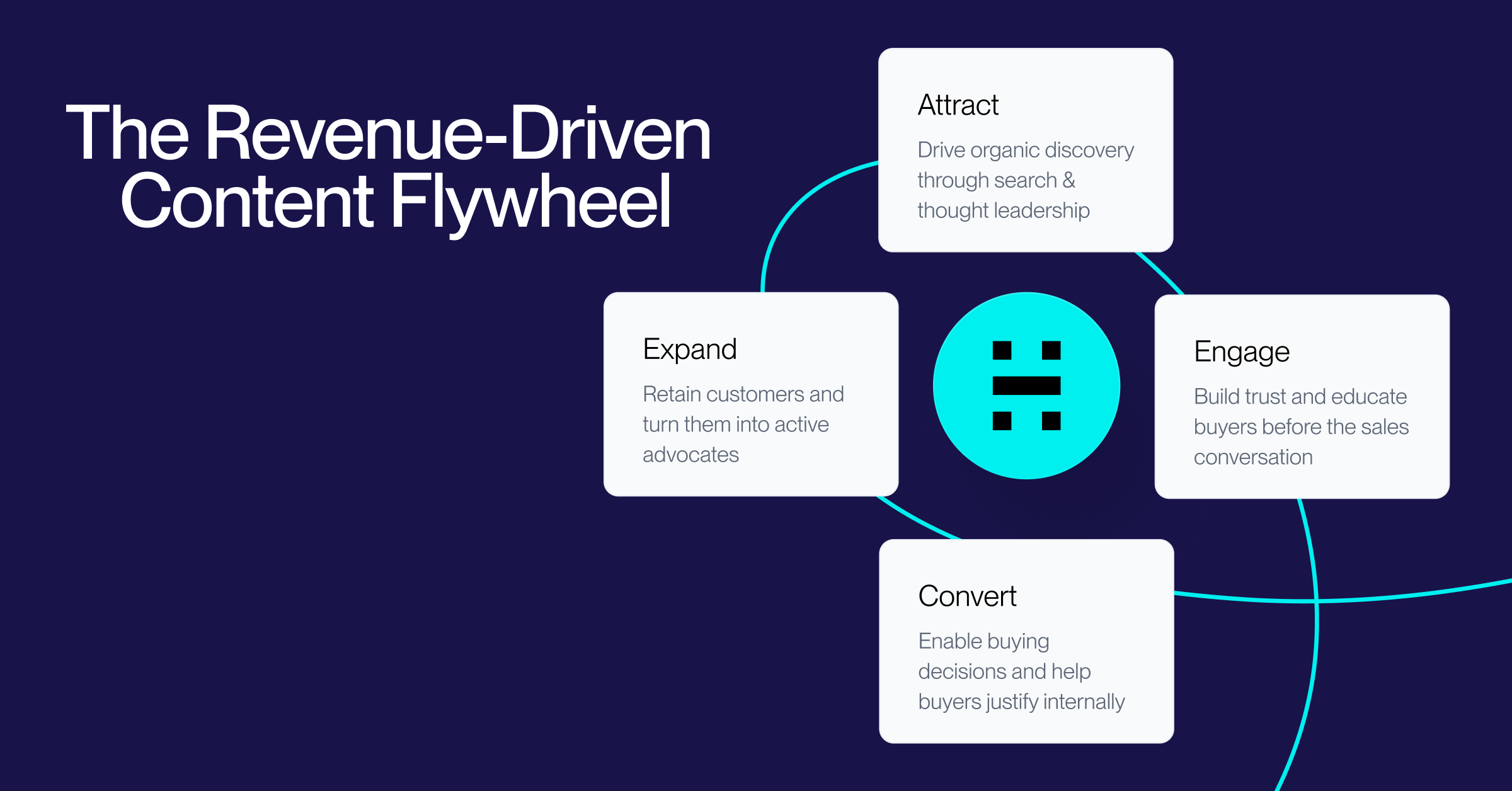
Creating the Revenue-Driven Content Flywheel: A Framework for B2B Content That Drives Pipeline
Learn how to build a revenue-driven content flywheel that connects content to pipeline and revenue. Replace the outdated funnel model with a compounding system that turns every asset into measurable ROI.
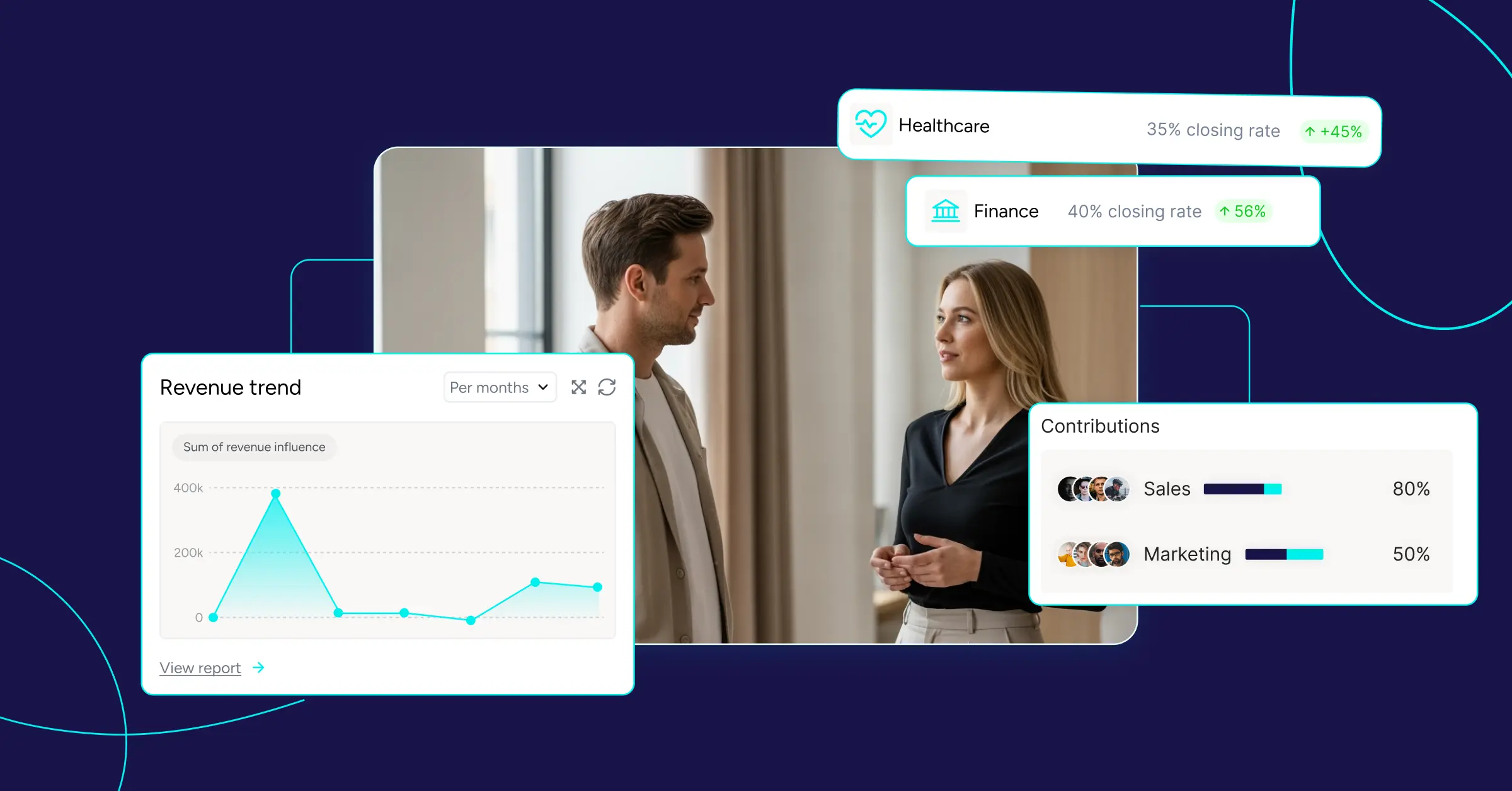
Best Attribution Software for B2B in 2027: 11 Tools Compared
We tested 11 B2B attribution platforms on pricing, CRM fit and attribution models. See which tool suits your stack — and what each really costs.
Are you measuring dark social marketing impact on acquisition and revenue?
Dark Social is quite a buzz word at the moment but what is it in reality and how it can impact your marketing strategy?
.svg)
Ready to track prospects from lead to close with Heeet?
Heeet gives marketers and sales professionals at IT & Security firms turn geuss work intro informed decisions that drive revenue while meeting the same secruity technical standards you provide your clients.